
Grace Ministries and Dusty Sandals apps
Delete the account
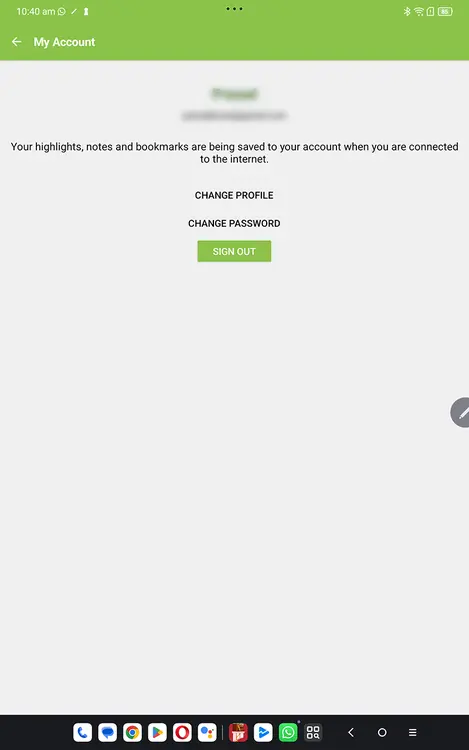
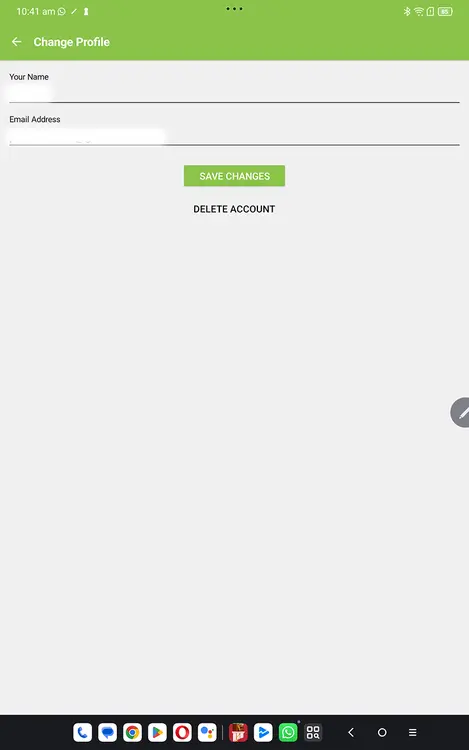
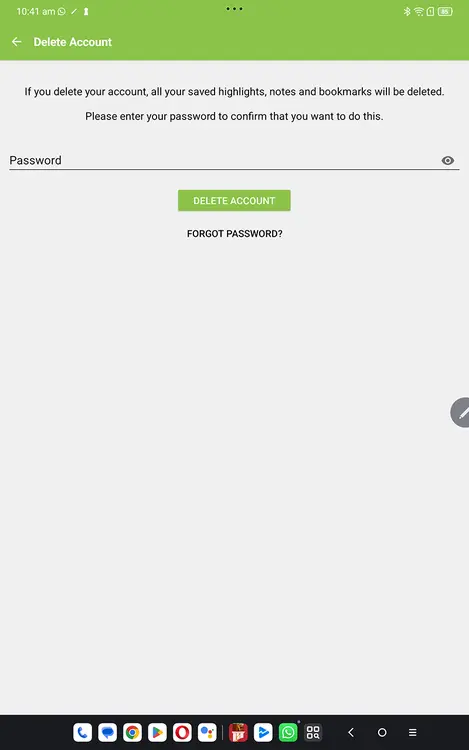
You can delete your specific app account and personal data* in the app if you are logged in. You can delete your account from the bottom of the My account page in the BibleSA app if you are logged in to the app.
Go to:
Menu > My Account > (Sign in >) Change Profile > Delete Account
To delete your personal data from Grace Ministries and Dusty Sandals apps, see below.
Other options
If you are unable to do any of the above or want to delete your personal data from a Bible Stories app, please send the e-mail address registered with us to info@gmindiaonline.com and let us know which app you want the data deleted from.
* Your account and personal data includes name, e-mail address, notes, highlights, etc.